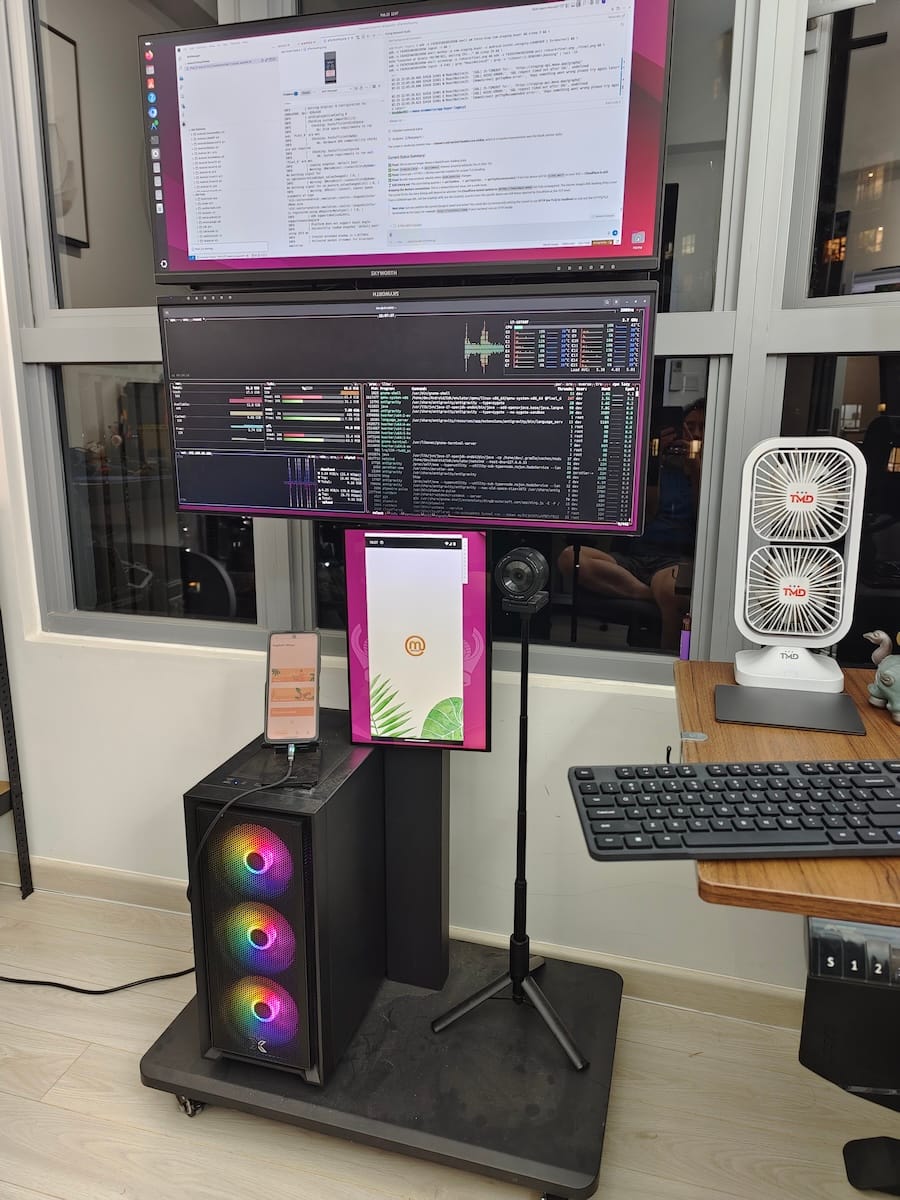
I keep seeing developers post their monthly AI bills — $200, $300, sometimes $500+ on Claude Max, Gemini Ultra, and premium IDE subscriptions just to "vibe code." And I get it. When you first discover what these tools can do, the instinct is to buy the biggest plan available.
But after a year of building production systems with AI — the same kinds of complex ERPs I used to need teams of 20-25 engineers to build — I've landed on a stack that consistently stays under $100/month. It includes coding, research, image generation, audio, video transcription, and pretty much everything else I need.
Here's the exact breakdown.
The Stack: What I Actually Pay
Non-Coding Tools
| Tool | Cost | What It Does |
|---|
| Google AI Pro | $20/mo | Family plan, 5 accounts. Covers NotebookLM, Google AI Studio, Antigravity (Pro), Google Photos AI, storage, and more. Absurd value. |
| Grok | Free | Quick analysis, alternative perspective to Google/Anthropic models |
| ChatGPT | Free | General-purpose tasks, comparison baseline |
Coding Tools
| Tool | Cost | What It Does |
|---|
| Warp.dev | $18/mo | AI-powered terminal with custom Gemini API key integration. My command centre. |
| Claude Code + Z.AI | $30/mo | The heavy lifter. GLM 5 custom model. Handles complex multi-file refactors, architecture decisions, and code generation. |
| Open Code + Kimi | Free | Open-source alternative with Kimi model. Good for secondary tasks and validation. |
| Trae.ai | $6/mo | Lightweight IDE for quick edits and smaller projects. |
| Groq | Free | Open-source model inference. Fast, useful for specific code tasks. |
Monthly Total: ~$74
That's it. Under $100 with room to spare for the occasional API overage.
Why This Works (And Why Expensive Plans Don't)
The biggest misconception in AI coding is that more expensive = better output. In practice, the quality of your prompts, your project context, and your architecture decisions matter far more than whether you're on a $20 plan or a $200 plan.
Here's what I've learned:
1. You Don't Need One Tool — You Need the Right Tool for Each Task
Early on, I tried to do everything in one IDE with one AI model. It was expensive and mediocre. The breakthrough came when I started treating AI tools like real team members — each with a speciality:
- Research and understanding: NotebookLM consolidates my past data and notes. It's like having a research assistant who's read everything I've ever written.
- Heavy code generation: Claude Code handles the complex work — multi-file refactors, writing entire server configurations, debugging gnarly state management issues.
- Terminal operations: Warp.dev with a Gemini API key means I can ask AI questions without leaving the terminal. Deploy, debug, query — all in one place.
- Quick edits: Trae.ai for when I need to make a small change without spinning up the full development environment.
- Validation: Open Code with the Kimi model gives me a second opinion on architecture decisions. Different models catch different blind spots.
2. Context Engineering Beats Token Count
The developers spending $500/month are usually doing one of two things: either feeding entire codebases into models without structure, or running the same prompts multiple times because the output isn't right.
The fix isn't more tokens — it's better context. I spend significant time on what I call context engineering: curating the right information for the right model at the right time. A well-structured prompt with 500 tokens will outperform a lazy prompt with 50,000 tokens every time.
Practically, this means:
- Maintaining clear project documentation that AI can reference
- Writing system prompts that define scope, constraints, and expected output format
- Using NotebookLM to pre-process research before feeding it to coding tools
- Keeping codebases modular so AI only needs context for the component it's working on
3. Free Tiers Are Genuinely Good Now
A year ago, free tiers were limited to the point of uselessness. Today, Groq's free tier runs open-source models at speeds that rival paid services. ChatGPT's free tier handles most general-purpose queries. Grok provides a useful alternative perspective at no cost.
The paid tools in my stack earn their spot because they do something the free tiers can't — Warp's terminal integration, Claude Code's deep codebase understanding, NotebookLM's source-grounded research. Everything else, I default to free.
What This Stack Built
To be clear about what "under $100/month" produces — this isn't a hobby setup for side projects. In the last year, this stack has built:
- A full AI Receptionist product — lead capture, multi-persona chat, CRM integration, deployed and serving real clients
- Alpha Block firmware — 100% AI-written C++ and Python firmware for educational robotics hardware, running on Raspberry Pi CM4 with MQTT swarm coordination
- This website — Svelte 5 frontend, Netlify CI/CD, complete with CMS, blog engine, and SEO optimisation
- A sand battery thermal simulation — interactive physics simulation built in a few hours by an all-AI team (NotebookLM for research, Google Stitch for UI, Antigravity for code)
- IoT monitoring dashboards — Node-RED + InfluxDB + Grafana pipelines monitoring I.C.E. Battery installations across multiple physical sites
Each of these would have previously required a dedicated team. The total tooling cost for all of them combined was less than a single junior developer's monthly salary.
The Hidden Cost No One Talks About
Here's the honest part: the $74/month is the financial cost. The real cost is the cognitive load.
AI tools change constantly. The model that was best last month might be second-tier this month. The IDE that worked perfectly last week might ship a breaking update today. I have to stay current on multiple tools simultaneously, evaluate new options regularly, and occasionally migrate workflows when something better appears.
This is the tax for being on the frontier. If you want stability, pick one tool and pay the premium. If you want value — and you enjoy the tinkering — this multi-tool approach will save you thousands per year.
Antigravity, for example, has been my primary tool for about three weeks now. Three weeks feels like a long time in this space. Before that, it was Claude Code exclusively. Before that, a mix of Cursor and Trae. The churn is real, but the capability curve keeps going up.
My Setup: More Screens, More Tokens
One unexpected side effect of AI-augmented development: you need more screen real estate. AI needs context, and context needs space.
My current setup runs a laptop and an iPad — sometimes a second monitor when I'm at the office. The AI terminal runs on one screen while the IDE and browser split the other. When I'm in Hoi An coding from a cafe overlooking the river, it's just the laptop and iPad. The tools don't care where you are.
This is the part that still feels slightly surreal. The same stack that builds production ERPs runs from a balcony in Hội An, a co-working space in Saigon, or a hotel lobby in Singapore. The $74/month covers all of it.
Getting Started: If I Had to Pick Three
If you're new to AI-augmented development and don't want to adopt the full stack at once, start with these three:
- Google AI Pro ($20/mo) — NotebookLM alone is worth it. Add AI Studio, Antigravity, and five family accounts and it's the single best value in the entire AI ecosystem.
- Claude Code with a Z.AI plan ($30/mo) — The best code generation model available right now. Start here for serious development work.
- Warp.dev ($18/mo) — Once you've used an AI-powered terminal, you can't go back to a dumb one.
That's $68/month for a stack that can build and ship production software. Add the free tools (Grok, ChatGPT, Open Code, Groq) and you have everything you need.
The Point
We used to need teams of 20-25 people to build complex systems. The infrastructure, management overhead, communication complexity, and coordination cost were enormous. Today, one developer with the right AI tools can match that output — not by working harder, but by working with an entirely different model of collaboration.
The tools cost $74 a month. The real investment is learning how to use them well.
That's the future we're building for at Alpha Bits. Code is cheap now — understanding what to build and why is the only moat that matters.
But Wait — We Haven't Talked About the Hardware
Everything above is the software side of the stack. The subscriptions, the models, the terminals and IDEs. But there's a whole other layer I haven't mentioned yet:
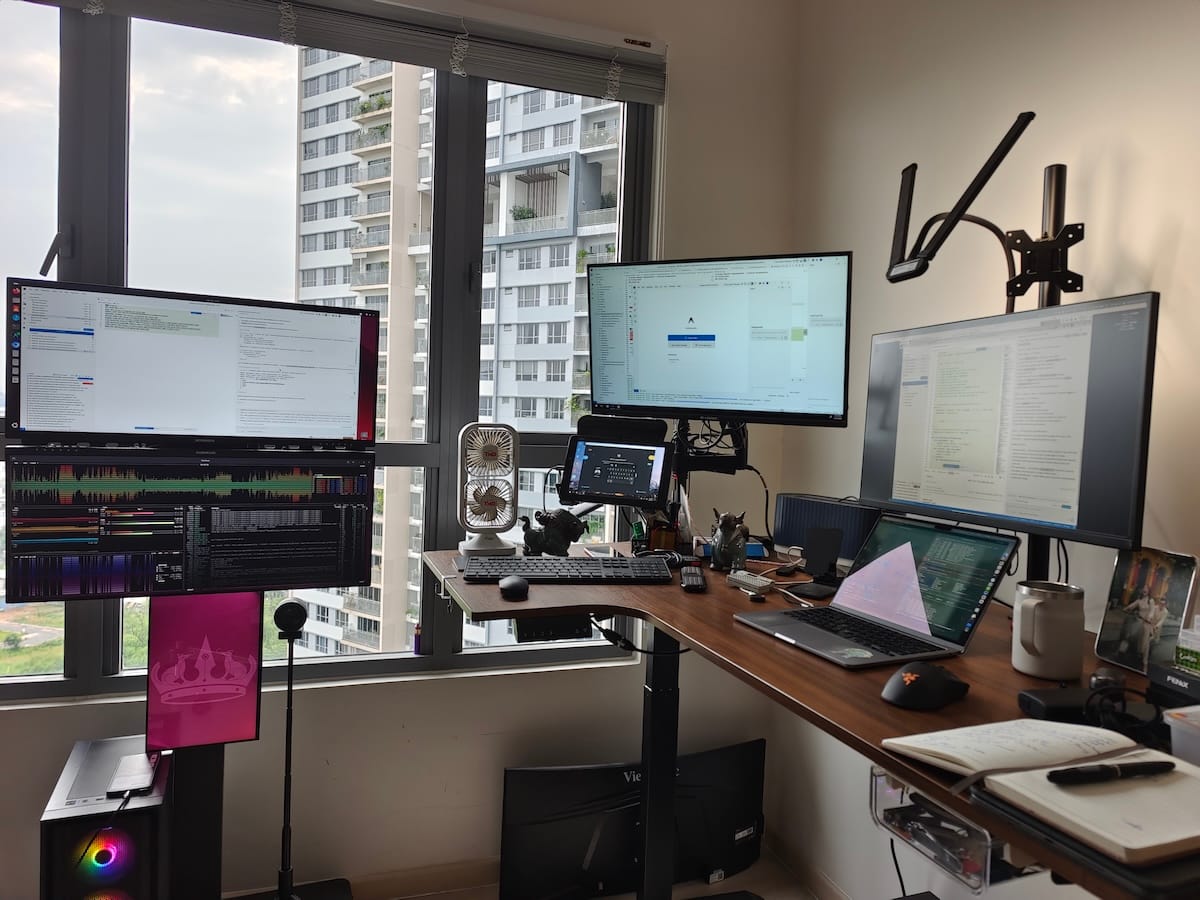
That's our HomeLab — the physical infrastructure that runs Node-RED, InfluxDB, Grafana, CasaOS, MQTT brokers, and everything else the software tools produce. Raspberry Pis, Orange Pis, a dedicated server, custom PCBs, and a networking stack that costs $12/year.
The software stack costs $74/month. The hardware stack cost about $2,100 — once. Together, they replace what used to need a cloud bill, a DevOps team, and a server room.
That's a story for another post.
Want to see what this stack produces? Browse our open-source repos or read the DIY HomeLab series for the hardware side of the story.