I keep seeing developers post their monthly AI bills: $200, $300, sometimes $500+ on Claude Max, Gemini Ultra and premium IDE subscriptions just to "vibe code." I get it. When you first discover what these tools can do, the instinct is to buy the biggest plan available.
I've spent a year building production systems with AI, the same kind of complex ERPs that used to take me teams of 20-25 engineers. The stack I've settled on stays under $100/month and covers coding, research, image generation, audio, video transcription and nearly everything else I need. Here is the breakdown.
What I actually pay
Non-coding tools
| Tool | Cost | What It Does |
|---|
| Google AI Pro | $20/mo | Family plan, 5 accounts. Covers NotebookLM, Google AI Studio, Antigravity (Pro), Google Photos AI, storage, and more. Absurd value. |
| Grok | Free | Quick analysis, alternative perspective to Google/Anthropic models |
| ChatGPT | Free | General-purpose tasks, comparison baseline |
Coding tools
| Tool | Cost | What It Does |
|---|
| Warp.dev | $18/mo | AI-powered terminal with custom Gemini API key integration. My command centre. |
| Claude Code + Z.AI | $30/mo | The heavy lifter. GLM 5 custom model. Handles complex multi-file refactors, architecture decisions, and code generation. |
| Open Code + Kimi | Free | Open-source alternative with Kimi model. Good for secondary tasks and validation. |
| Trae.ai | $6/mo | Lightweight IDE for quick edits and smaller projects. |
| Groq | Free | Open-source model inference. Fast, useful for specific code tasks. |
Monthly total: ~$74
That leaves room under $100 for the occasional API overage.
Why this works when expensive plans don't
A lot of people assume a more expensive plan gives better output. In my experience your prompts, your project context and your architecture decisions matter far more than whether you're on a $20 plan or a $200 plan. These are the lessons that got me there.
1. Use the right tool for each task
Early on, I tried to do everything in one IDE with one AI model. It was expensive and the results were mediocre. Things improved when I started treating AI tools like team members, each with a speciality.
NotebookLM handles research. It consolidates my past data and notes, so it's like having a research assistant who has read everything I've ever written. Claude Code does the heavy code generation: multi-file refactors, entire server configurations, and debugging gnarly state management issues. Warp.dev with a Gemini API key lets me ask AI questions without leaving the terminal, so deploying, debugging and querying happen in one place. Trae.ai is for small changes when I don't want to spin up the full development environment. Open Code with the Kimi model gives me a second opinion on architecture decisions, because different models catch different blind spots.
2. Context engineering beats token count
The developers spending $500/month are usually doing one of two things. Either they feed entire codebases into models without structure, or they run the same prompts again and again because the output isn't right.
Better context fixes this, and more tokens don't. I spend a lot of time on what I call context engineering: getting the right information to the right model at the right time. A well-structured 500-token prompt will beat a lazy 50,000-token prompt every time.
In practice, that means:
- Maintaining clear project documentation that AI can reference
- Writing system prompts that define scope, constraints and expected output format
- Using NotebookLM to pre-process research before feeding it to coding tools
- Keeping codebases modular so AI only needs context for the component it's working on
3. Free tiers are good now
A year ago, free tiers were so limited they were close to useless. Today Groq's free tier runs open-source models at speeds that rival paid services, ChatGPT's free tier handles most general queries, and Grok gives me a different perspective at no cost.
The paid tools in my stack each do something the free tiers can't: Warp has the terminal integration, Claude Code understands the codebase deeply, and NotebookLM grounds its research in my sources. For everything else I default to free.
What this stack built
This stack runs production work, not hobby projects. In the last year it has built:
- A full AI Receptionist product with lead capture, multi-persona chat and CRM integration, deployed and serving real clients
- Alpha Block firmware: 100% AI-written C++ and Python firmware for educational robotics hardware, running on Raspberry Pi CM4 with MQTT swarm coordination
- This website, with a Svelte 5 frontend, Netlify CI/CD, a CMS, a blog engine and SEO optimisation
- A sand battery thermal simulation, an interactive physics simulation built in a few hours by an all-AI team (NotebookLM for research, Google Stitch for UI, Antigravity for code)
- IoT monitoring dashboards: Node-RED + InfluxDB + Grafana pipelines monitoring I.C.E. Battery installations across multiple physical sites
Each of these would once have needed a dedicated team. The tooling for all of them combined cost less than a junior developer's monthly salary.
The hidden cost
The $74/month is the financial cost. The bigger cost is cognitive load.
AI tools change constantly. Last month's best model might be second-tier this month, and an IDE that worked perfectly last week might ship a breaking update today. I have to keep up with several tools at once, evaluate new options regularly, and sometimes migrate workflows when something better appears.
That's the price of working at the frontier. If you want stability, pick one tool and pay the premium. If you want value and you enjoy tinkering, the multi-tool approach will save you thousands a year.
Antigravity, for example, has been my primary tool for about three weeks, which feels like a long time in this space. Before that I used Claude Code exclusively, and before that a mix of Cursor and Trae. There's a lot of churn, but the tools keep getting more capable.
More screens, more tokens
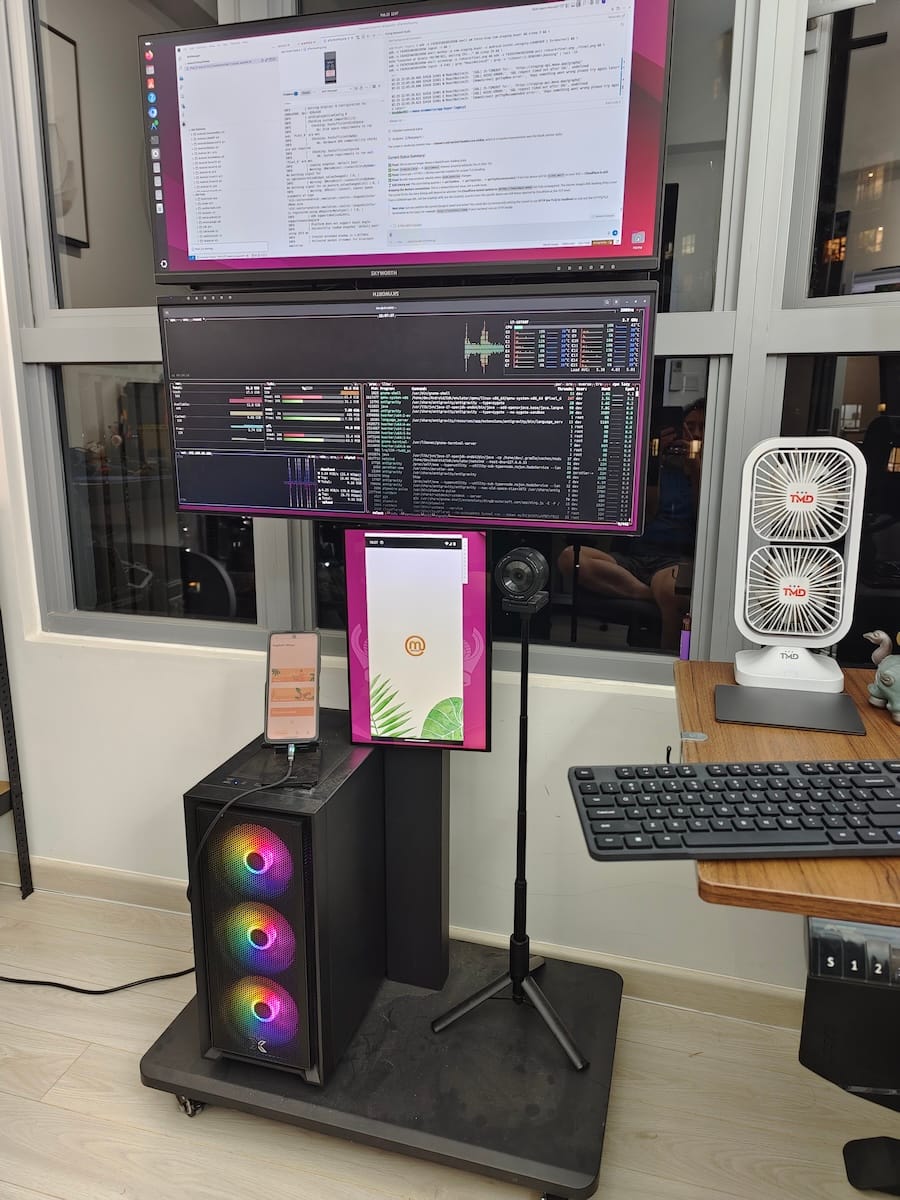
One side effect of AI-augmented development surprised me: you need more screen space. AI needs context, and context needs room on screen.
My current setup is a laptop and an iPad, sometimes with a second monitor when I'm at the office. The AI terminal runs on one screen while the IDE and browser split the other. When I'm in Hoi An coding from a cafe overlooking the river, it's just the laptop and iPad. The tools don't care where you are.
This part still feels slightly surreal to me. The same stack that builds production ERPs runs from a balcony in Hội An, a co-working space in Saigon or a hotel lobby in Singapore, and the $74/month covers all of it.
If I had to pick three
If you're new to AI-augmented development and don't want to adopt the whole stack at once, start with these:
- Google AI Pro ($20/mo). NotebookLM alone is worth it. Add AI Studio, Antigravity and five family accounts, and it's the best value I've found anywhere in AI.
- Claude Code with a Z.AI plan ($30/mo). The best code generation model available right now. Start here for serious development work.
- Warp.dev ($18/mo). Once you've used an AI-powered terminal, you can't go back to a dumb one.
That's $68/month for a stack that can build and ship production software. Add the free tools (Grok, ChatGPT, Open Code, Groq) and you have everything you need.
The point
We used to need teams of 20-25 people to build complex systems, and the infrastructure, management overhead, communication and coordination cost a huge amount. Today one developer with the right AI tools can match that output. It comes from a different way of collaborating, not from working harder.
The tools cost $74 a month. The real investment is learning to use them well.
That's what we're building for at Alpha Bits. Code is cheap now, so the advantage that lasts is understanding what to build and why.
The hardware underneath
Everything above is the software side: the subscriptions, models, terminals and IDEs. There's another layer I haven't covered yet.
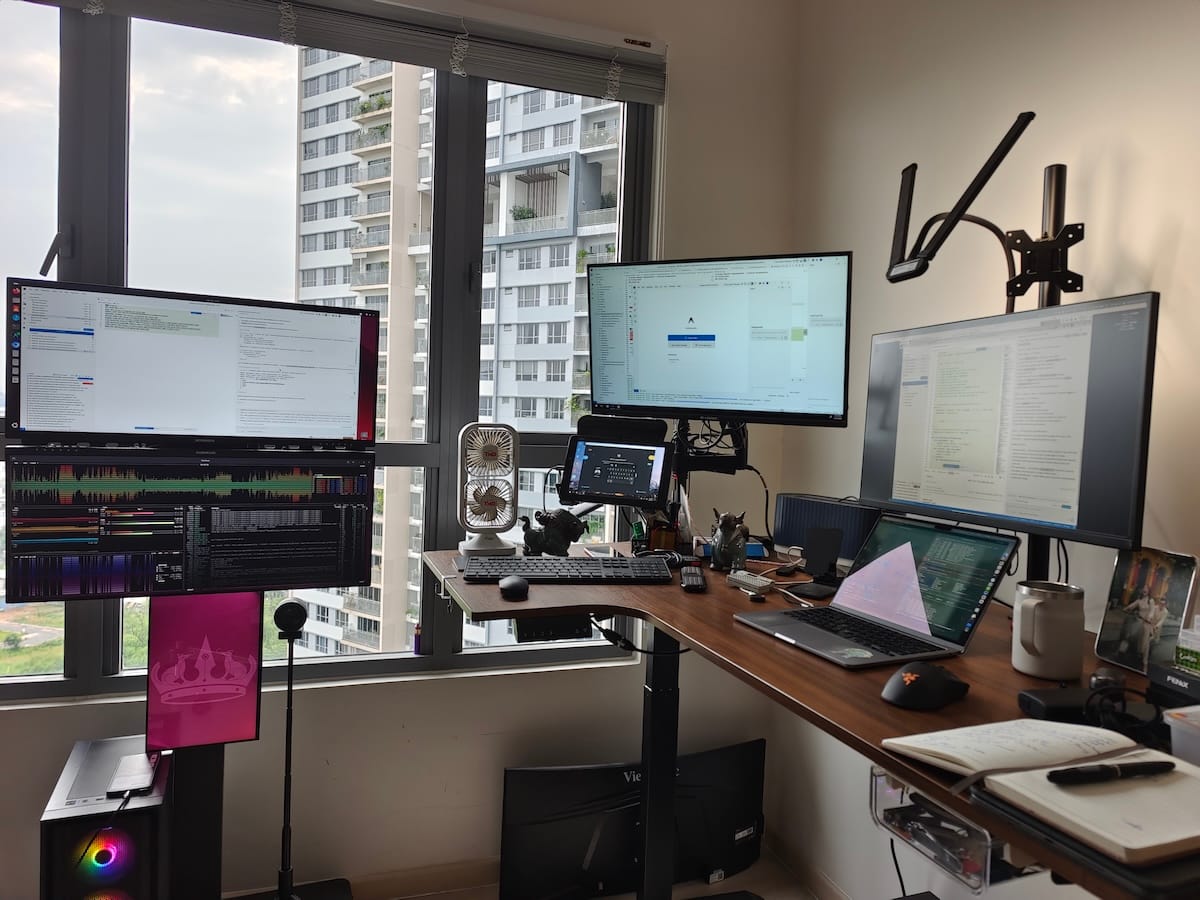
That's our HomeLab, the physical infrastructure that runs Node-RED, InfluxDB, Grafana, CasaOS, MQTT brokers and everything else the software tools produce. It's made up of Raspberry Pis, Orange Pis, a dedicated server, custom PCBs and a networking stack that costs $12/year.
The software stack costs $74/month. The hardware cost about $2,100, once. Together they replace what used to need a cloud bill, a DevOps team and a server room. That's a story for another post.
Want to see what this stack produces? Browse our open-source repos or read the DIY HomeLab series for the hardware side of the story.