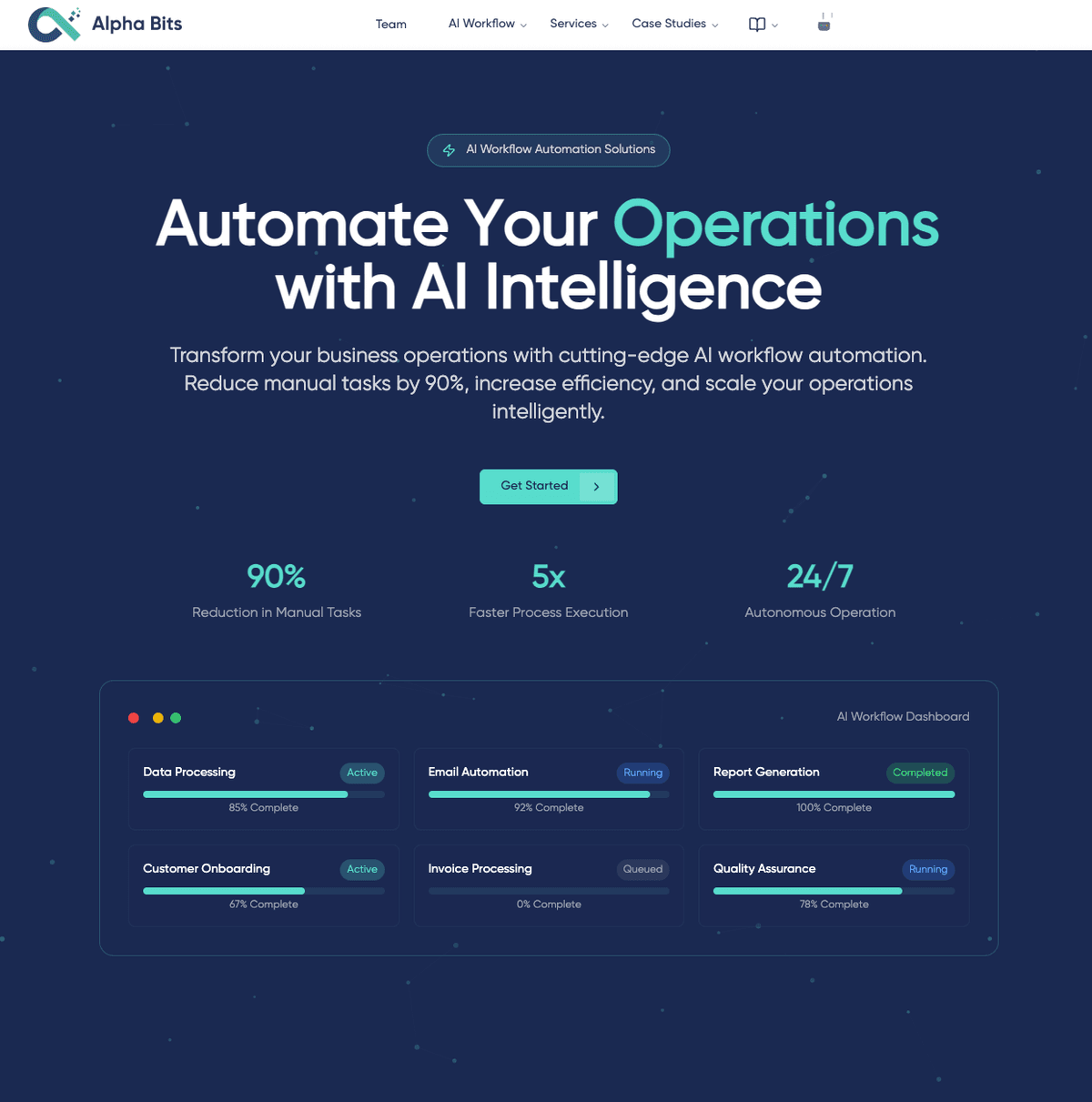
Our company website is a working demo of how we build things. An agency didn't build it for marketing; it's a real codebase that uses the same tools and workflows we bring to client projects. Every line of code is on GitHub, and the whole stack is open source. We believe the most secure systems are built from open-source stacks.
The initial plan
When we set out to build this site, the rule was to use the same stack we'd recommend to a client: Svelte 5 for the frontend, Directus for content management, and Trae IDE with Model Context Protocol (MCP) integrations for the development workflow. The full source is at studio-os, and the result is the site you're reading.
In business terms, our stack is fully open source. Anyone with some DevOps knowledge, or a single developer, can replicate it, and for a small website the annual hosting cost is close to zero. We'll detail our infrastructure approach in the HomeLab series.
Our tech stack
Frontend: Svelte 5 and SvelteKit
We chose Svelte 5 for its approach to reactivity and performance. React-based frameworks rely on virtual DOM diffing, while Svelte compiles components to optimised vanilla JavaScript, which means smaller bundles, better runtime performance and no virtual DOM overhead. The runes system and improved TypeScript support made development faster. SvelteKit has server-side rendering built in, which helps SEO and initial load performance.
If you're from the Vue world, it will feel familiar. We love Vue too, and use it heavily in Node-RED dashboards.
Backend: Directus as a headless CMS
Instead of building a custom CMS, we set up Directus as our headless content management system. It gives you REST and GraphQL APIs out of the box, flexible content modelling, and an admin interface that non-technical team members can use without training. We self-host it as part of our HomeLab infrastructure.
Note: We've since dropped Directus entirely in favour of static markdown files checked into Git and SQLite for transactional data. The reasons are covered in our February 2026 stack update.
The development workflow: Trae IDE with MCP
Trae IDE combined with Model Context Protocol (MCP) servers changed how we work with our tools.
With the Directus MCP integration, the AI in our IDE could query content, inspect the CMS schema, and even create or update content without switching windows. For example, I'd describe a new blog post structure, and the AI would create the Directus collection, set up the fields and generate the TypeScript types in one flow.
With the Shadcn/ui MCP integration, I no longer browsed component documentation in a browser tab. The AI could search the whole Shadcn component library from inside the IDE, suggest which components fit a UX need, and implement them with the correct imports and dependencies. That ended a lot of CSS wrestling with isolated, community-maintained components.
AI-assisted content and SEO
With Directus MCP, we could prompt the AI in Trae IDE to fill in empty SEO metadata across the site: meta descriptions, OpenGraph tags and structured data. Our team reviews and rephrases all of it, but it takes hours off the first draft. It doesn't replace human-written content; it handles the tedious scaffolding.
A note on code quality
The architecture of AI-generated code is impressive at this point, with a caveat. You still need to understand web development fundamentals, server infrastructure and real software engineering to build anything complex that lasts. The AI amplifies skill and doesn't replace it.
What this delivers
- Development speed: 5-10x faster implementation with MCP integrations
- Code quality: consistent patterns enforced by AI rules and documentation
- Performance: Lighthouse scores consistently high across all metrics
- Hosting cost: effectively zero for our usage tier
Open source
Open-source projects make our work possible, and we try to give back. We document our development approach and tools and share them as open-source projects.
Watch our repository at github.com/AlphaBitsCode/studio-os for updates on new tools and techniques.